
How to Log In to FPL: Step-by-Step Fantasy Premier League Sign-In Guide
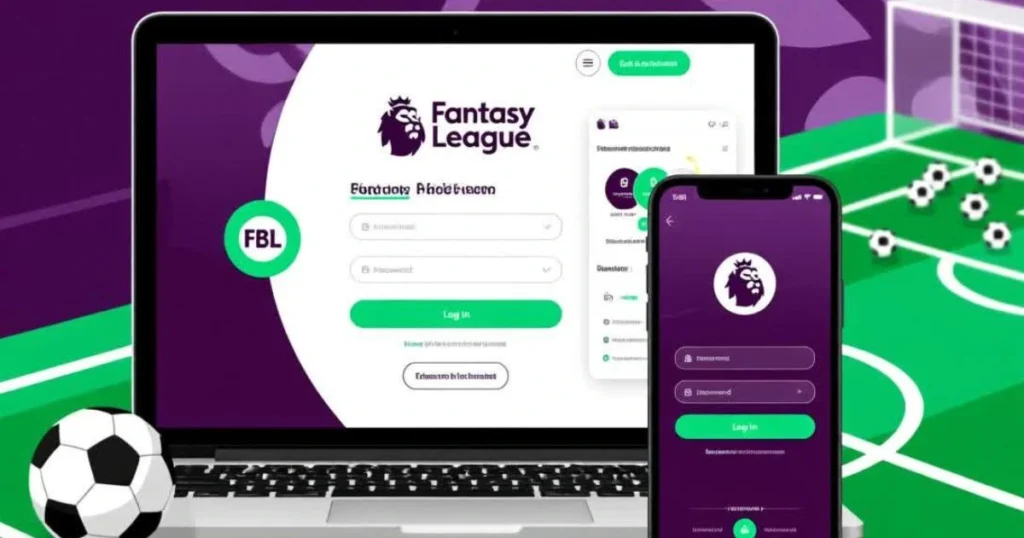
Table of Contents
How to Log In to Fantasy Premier League (FPL)
Logging in to Fantasy Premier League is the first step toward managing your team, making transfers, and competing for Fantasy Premier League Prizes. Whether you’re a new player or a returning manager, understanding the FPL login process helps you avoid common issues and get straight into the game.
This guide walks you through how to log in to FPL step by step, explains what you need before signing in, and shows how to fix the most common login problems.
What You Need Before Logging In to FPL
Before you begin, make sure you have:
- A registered Premier League account
- A valid email address and password
- Internet access via desktop or mobile
- Access to the official Premier League website or app
If you already compete for FPL Prizes, you will use the same login details each season.
Step-by-Step Guide: How to Log In to FPL
Step 1: Visit the Official FPL Website
Go to:
fantasy.premierleague.com
or access FPL through the official Premier League mobile app.
Step 2: Click the “Log In” Button
On the top-right corner of the page, select Log In. You’ll be redirected to the Premier League sign-in page.
Step 3: Enter Your Login Details
Input:
- Your email address
- Your password
These credentials are linked to your Premier League account, not just FPL.
Step 4: Complete Verification (If Required)
Some users may be asked to:
- Confirm their email
- Complete a security check
- Approve login via email
Step 5: Access Your FPL Dashboard
Once logged in, you’ll be taken directly to your Fantasy Premier League dashboard, where you can:
- Manage your squad
- Make transfers
- Track points
- Compete for FPL Prizes
How to Log In to FPL Using the Mobile App
You can also sign in using the official Premier League app.
Steps:
- Download the Premier League app
- Open the app and select Fantasy
- Tap Log In
- Enter your Premier League account details
Your team data syncs automatically between mobile and desktop.
Common FPL Login Problems and How to Fix Them
Forgot Your FPL Password
- Click “Forgot password?”
- Enter your registered email
- Follow the reset link sent to your inbox
Email Address Not Recognized
- Make sure you’re using the email originally registered
- Check for spelling mistakes
- Try logging in through the Premier League main site
Account Locked or Login Error
- Clear browser cache and cookies
- Try a different browser or device
- Disable VPNs or ad blockers temporarily
Can’t Access Old Team
Your team is linked to your Premier League account. If you used a different email in a previous season, you must log in using that email.

Do You Need to Log In Every Season?
Yes, but:
- Your Premier League account remains active
- You don’t need to re-register
- You simply log in and create a new team for the season
This allows you to continue competing for Fantasy Premier League Prizes year after year.
Is FPL Login Free?
Yes. Fantasy Premier League is completely free to play. All players have equal access to:
- Team creation
- Transfers
- Chips
- Weekly, monthly, and season-long FPL Prizes
Tips to Stay Logged In Securely
- Use a strong, unique password
- Avoid public devices
- Enable email verification
- Always log out on shared computers
Account security is essential, especially if you’re performing well and aiming for top-rank Fantasy Premier League Prizes.
Frequently Asked Questions
Can I log in to FPL with social media?
No. FPL login only works through a Premier League account email and password.
Can I change my FPL login email?
Yes, via your Premier League account settings.
What if the FPL site is down?
During high traffic periods, try again later or use the mobile app.
Does logging in late affect prizes?
No. But missing early Gameweeks can impact your chances of winning FPL Prizes.
Final Thoughts
Knowing how to log in to FPL is essential for every Fantasy Premier League manager. Whether you’re building your first squad or pushing for top ranks and Fantasy Premier League Prizes, quick and secure access keeps you in control of your season.